CloudBridal v25.11.1: Enhanced Inventory Unit Tracking, Appointment Conversion Analytics, and Streamlined Reports
We're excited to announce CloudBridal v25.11.1, featuring powerful inventory management capabilities, advanced sales conversion analytics, and a reimagined reports experience. Here's what's new:
View complete 2025 release notes →
📦 Comprehensive Inventory Unit Tracking
CloudBridal now features enhanced inventory unit tracking with detailed cost management and stock arrival history.
What's New:
- Cost Tracking: Track the wholesale cost for each inventory unit arrival, giving you precise visibility into your inventory investment
- Stock Arrivals History: View a detailed timeline of when stock arrived, original quantities, current quantities, and individual unit costs
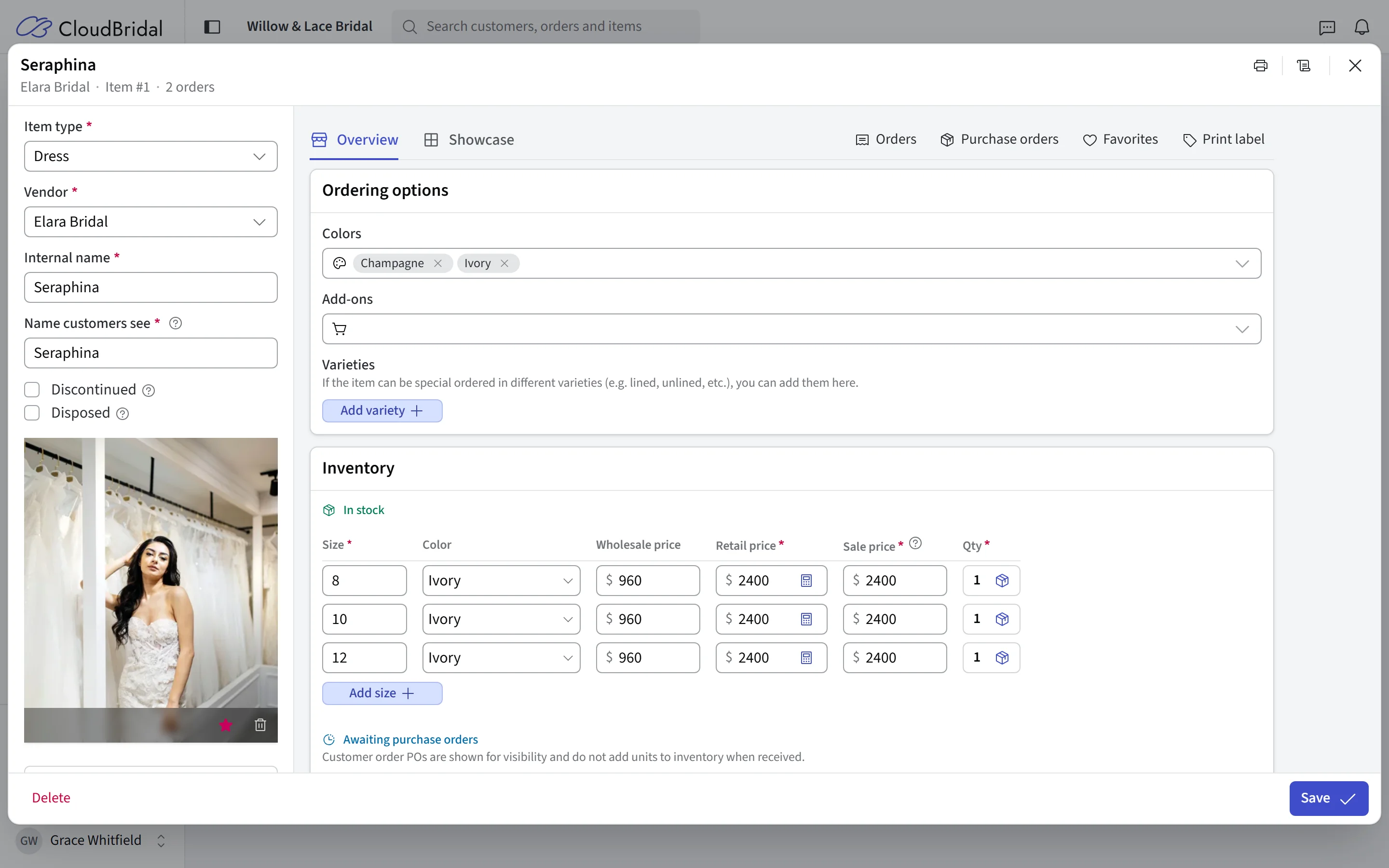
- Item Stock Page: When editing an inventory item, the "Quantity" field now links to a dedicated Item Stock page showing all stock arrivals for that variant
- Manual Stock Adjustments: Edit stock details at any time, or better yet, use Stock Purchase Orders to automatically create and link stock arrivals
- Automatic Integration: Stock levels automatically adjust when creating "From Inventory" sales
- Enhanced Reporting: Improvements to Inventory Added, Inventory Item Margins, Inventory Items on Hand, Inventory True-Up, and Inventory Value reports
Key Benefits:
- Track your true cost per item based on actual purchase prices
- Calculate accurate profit margins on inventory sales
- Understand your total inventory investment with weighted average costs
- View current inventory value vs. total invested amounts
Note: We've pre-seeded stock units based on your existing item variants and purchase orders, but you may want to review and adjust these to accurately reflect your true stock arrivals and costs.
📊 Advanced Appointment Conversion Tracking
The conversion tracking system has been overhauled to provide more detailed insights into appointment outcomes.
Enhanced Tracking Features:
- Flexible Opt-In: No longer limited to first-time appointments - choose which appointment types participate in conversion tracking
- Item Type Filtering: Track conversions only for specific item types (dresses, accessories, etc.), preventing non-sale orders like fees from skewing your data
- Easy Configuration: Manage conversion settings by editing appointment types in Appointment Settings via the new Conversion Tracking tab
New Appointment Conversion Tracking Report:
This new report features charts, grouped analytics, and detailed insights:
- Overall Performance Metrics: Total appointments, conversion rate, attributed revenue, and average revenue per conversion
- Conversion Trends: Visual chart showing conversion performance over time
- Breakdown by Appointment Type: See which appointment types convert best, with weighted averages and performance indicators
- Staff Member Performance: Identify which team members excel at converting appointments to sales
- Referral Source Analysis: Understand which marketing channels drive the most valuable conversions
- Visual Indicators: Color-coded performance metrics showing above/below average performance
🎯 Redesigned Reports Interface
The Reports tool has been redesigned to make finding and running reports faster and more intuitive.
What's Changed:
- Grid-Based Layout: Replaced the list view with a modern grid layout featuring report cards
- Increased Space: More room for report output and easier scanning of available reports
- Improved Organization: Reports are grouped by category for faster navigation
- Search & Favorites: Quickly find frequently-used reports or search by name
- Better Visual Hierarchy: Clear distinction between report categories and individual reports
📅 Calendar Enhancements
Stay organized with improvements to the appointments calendar and staff scheduling.
New Features:
- Staff Member Quick Filter: New filter on the top-left of the calendar to instantly view appointments for a specific staff member
- Improved Event Styling: Refined visual design for calendar events makes it easier to scan your schedule at a glance
- Print Monthly Schedule: New print button for the monthly staff schedule - perfect for posting in your break room or sharing with your team