CloudBridal v26.1.1: Refreshed Interface, Card-on-File Payments, and Postmark Integration
We're excited to announce CloudBridal v26.1.1, featuring a refreshed interface design, powerful card-on-file payment functionality, the new Postmark email integration, and improved measurement and vendor tools. Here's what's new:
View complete 2026 release notes →
✨ Refreshed CloudBridal Interface & Styling
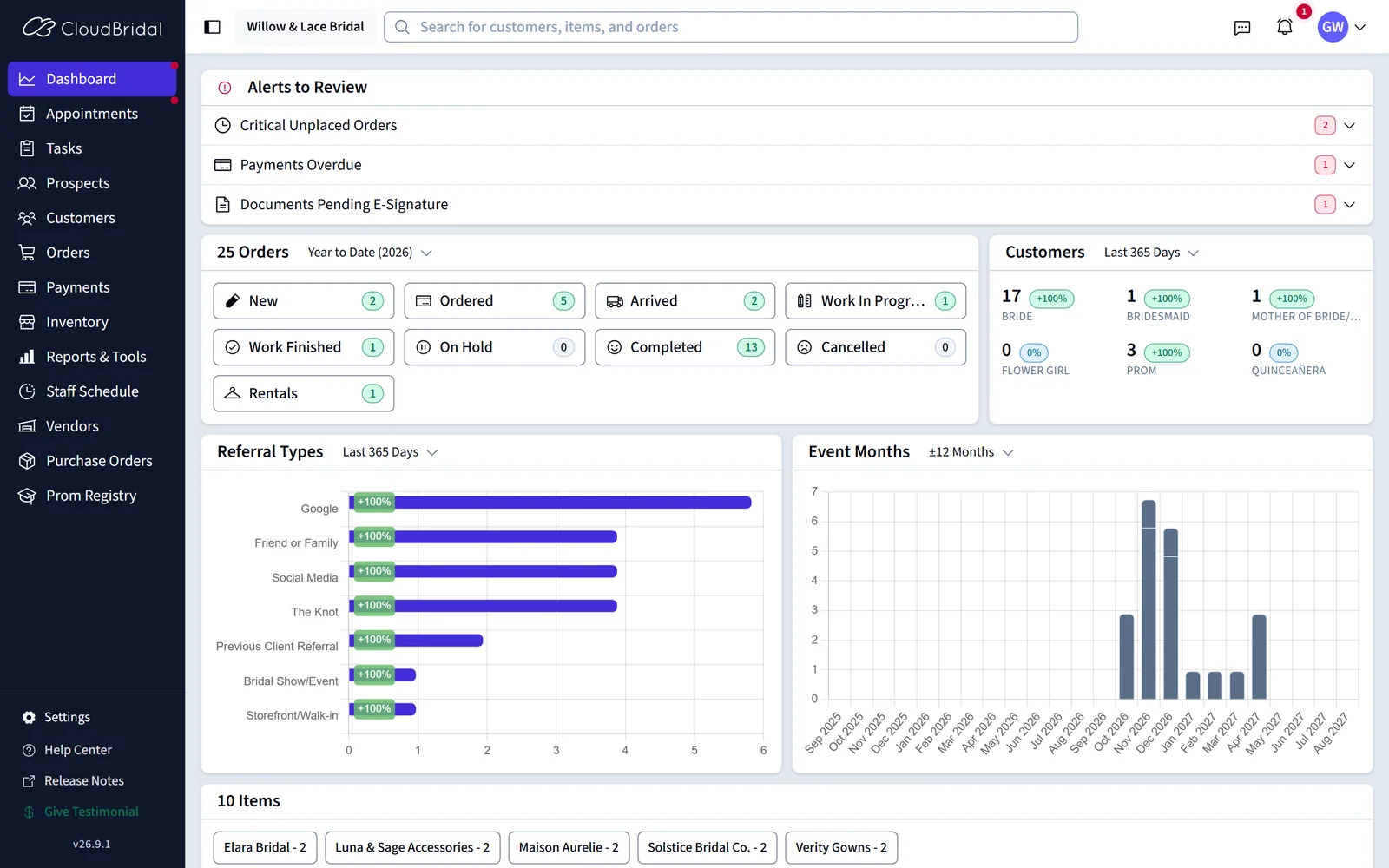
The CloudBridal interface has received a comprehensive visual refresh, modernizing the look and feel while preserving the workflows you know.
What's Changed:
- Updated Visual Design: New colors, icons, and button styles throughout the application
- Modern UI Components: Refreshed date pickers, select fields, and other interactive elements
- Improved Consistency: More cohesive design language across all areas of the application
What Stays the Same:
- Element positioning and layout remain familiar
- All existing functionality works as expected
- Your workflows and processes are unchanged
Note: If you notice any major issues or functionality that no longer works as expected, please report them to support@cloudbridal.com.
💳 Card-on-File Payments with Stripe
Save customer payment cards securely and use them for future payments, including automated charging for scheduled payment plans.
What's New:
- Save Cards to Customer Profiles: Securely store customer credit cards linked to their profile in the Customer Details section
- Use Saved Cards for Payments: Quickly process payments using a customer's saved card without re-entering card details
- Automated Payment Plan Charging: Scheduled payments can automatically charge the customer's card on file when due
- Default Card Selection: Mark a card as the default for faster checkout
- Card Management: View card details, expiration dates, and manage multiple cards per customer
Key Benefits:
- Faster checkout for returning customers
- Reduced friction for payment plan collections
- Streamlined automated billing for scheduled payments
- Secure card storage handled entirely by Stripe
How to Access:
- Enable Stripe payments in your Stripe Settings
- If you would like to capture cards on file for paid appointments, you must also enable the 'Save Card on File for Paid Appointments' checkbox in your Stripe Settings
- Cards on File appear in the customer's profile under the "Cards on File" section
- Use saved cards when processing payments or setting up payment plans
📊 New Report: Order Margins
Analyze profitability and margins across your sales with the new Order Margins Report, now available in the Reports tool.
Key Metrics:
- Net Amount: Revenue after discounts and adjustments
- Cost: Wholesale price for special orders, or inventory cost for quick orders
- Margin: Dollar amount of profit (Net Amount minus Cost)
- Margin %: Margin as a percentage of revenue
- Markup %: Margin as a percentage of cost
Benefits:
- Identify your most and least profitable products and vendors
- Make informed purchasing and pricing decisions
- Compare margins across order types, item types, and time periods
📧 Postmark Integration for Transactional Email
Send emails using your own domain with the new Postmark integration, improving deliverability and branding for your customer communications.
What's New:
- Custom Domain Sending: Emails are sent from your actual domain instead of being relayed through CloudBridal's servers
- Improved Deliverability: Reduce spam rates by sending from a verified, authenticated domain
- Professional Branding: Customer emails show your domain in the "From" address
- Easy Setup: Connect your Postmark account in the Integration Hub
Key Benefits:
- Higher email deliverability rates
- More professional appearance in customer inboxes
- Better email reputation management
- Full control over your email sending domain
How to Get Started:
- Learn more in the Postmark Integration Guide
📏 Vendor-Specific Required Measurements
Mark custom measurement fields as required for specific vendors, ensuring you capture all necessary measurements for accurate sizing.
What's New:
- Per-Vendor Requirements: Configure which custom measurement fields are required when ordering from specific vendors
- Sizing Accuracy: Ensure measurements needed for vendor size charts are always captured
- Visual Reminders: Required measurements are highlighted when creating orders for that vendor
How to Access:
- Configure in Measurement Settings
- Select which vendors require each custom measurement field
🗓️ Additional Improvements
Non-Numeric Size Chart Entries:
- Vendor size charts now support non-numeric data in columns (e.g., bra cup sizes like A, B, C, D)
- More flexibility for vendors with complex sizing requirements
New Appointment Smart Fields:
- Day of Week: Include the day name (Sunday, Monday, etc.) in email and SMS templates
- Appointment Type Name: Reference the appointment type in your messaging
- Appointment Link: Include a direct link for customers to manage their appointment
- Configure these in any email or SMS template related to appointments
Required Email for Staff Appointments:
- Mark the "Email" field as required when staff members book appointments
- Helps reduce data entry mistakes and ensures customer contact information is captured
- Enable in Appointment Settings
Appointment Data Import:
- New data import tool for migrating appointment data from other systems to CloudBridal
- Streamlines the transition when switching appointment booking platforms
- Learn more in the Initial Data Import Guide