All features
Bridal appointments, orders, and inventory in one place.
Open a bride’s record to see her appointments, gown order, payments, and messages. Turn on the parts your shop uses and set each one up your way.
30-day free trial · No credit card required · Compare plans
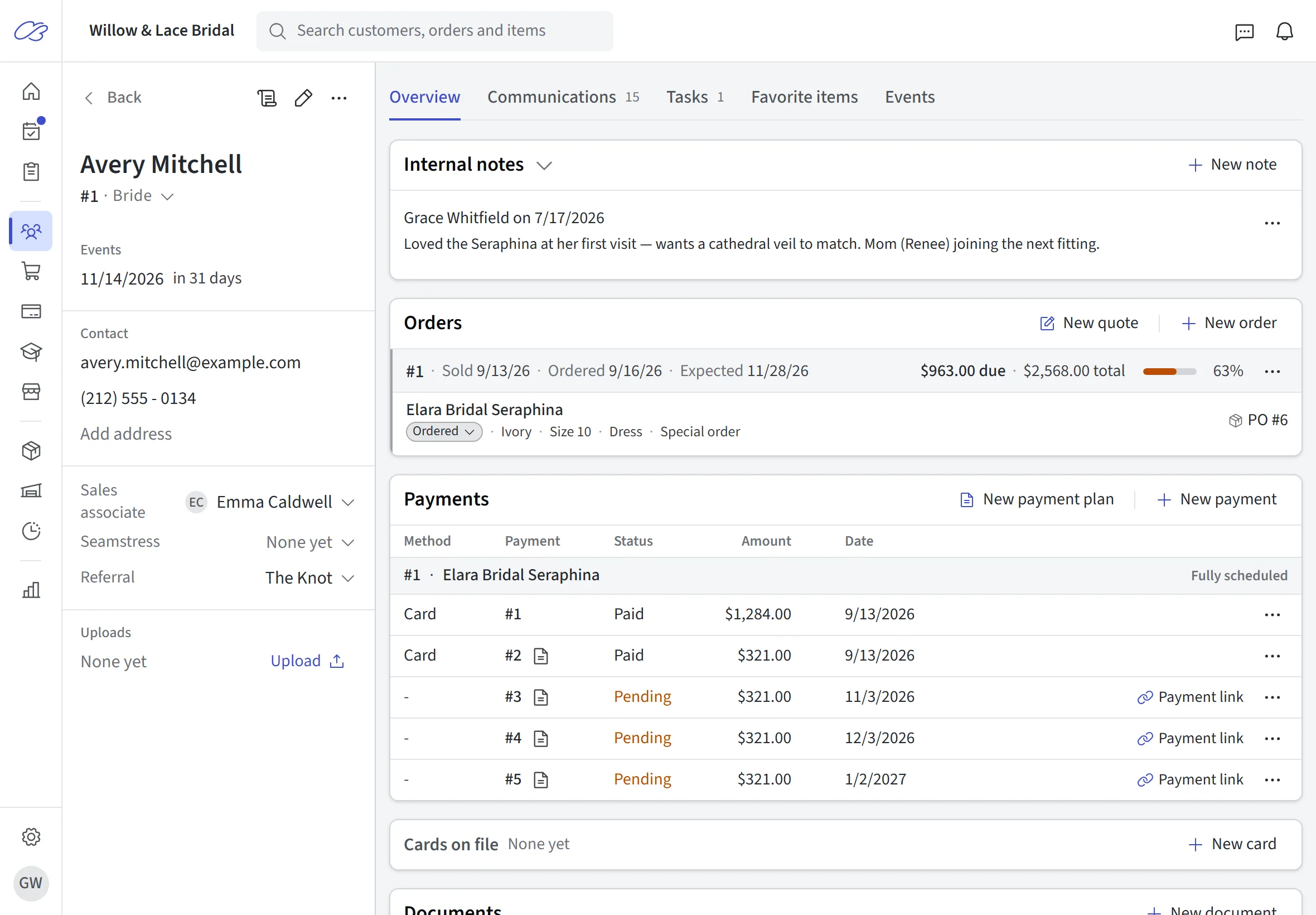
01 · Before the visit
Before she walks through the door
Help her find your collection, choose a visit, and arrive ready to try on.
Set it up your way
Publish your whole collection, a curated selection, or skip the showcase. Let brides book online or keep booking at the front desk, with the durations and fees you set for each appointment type.
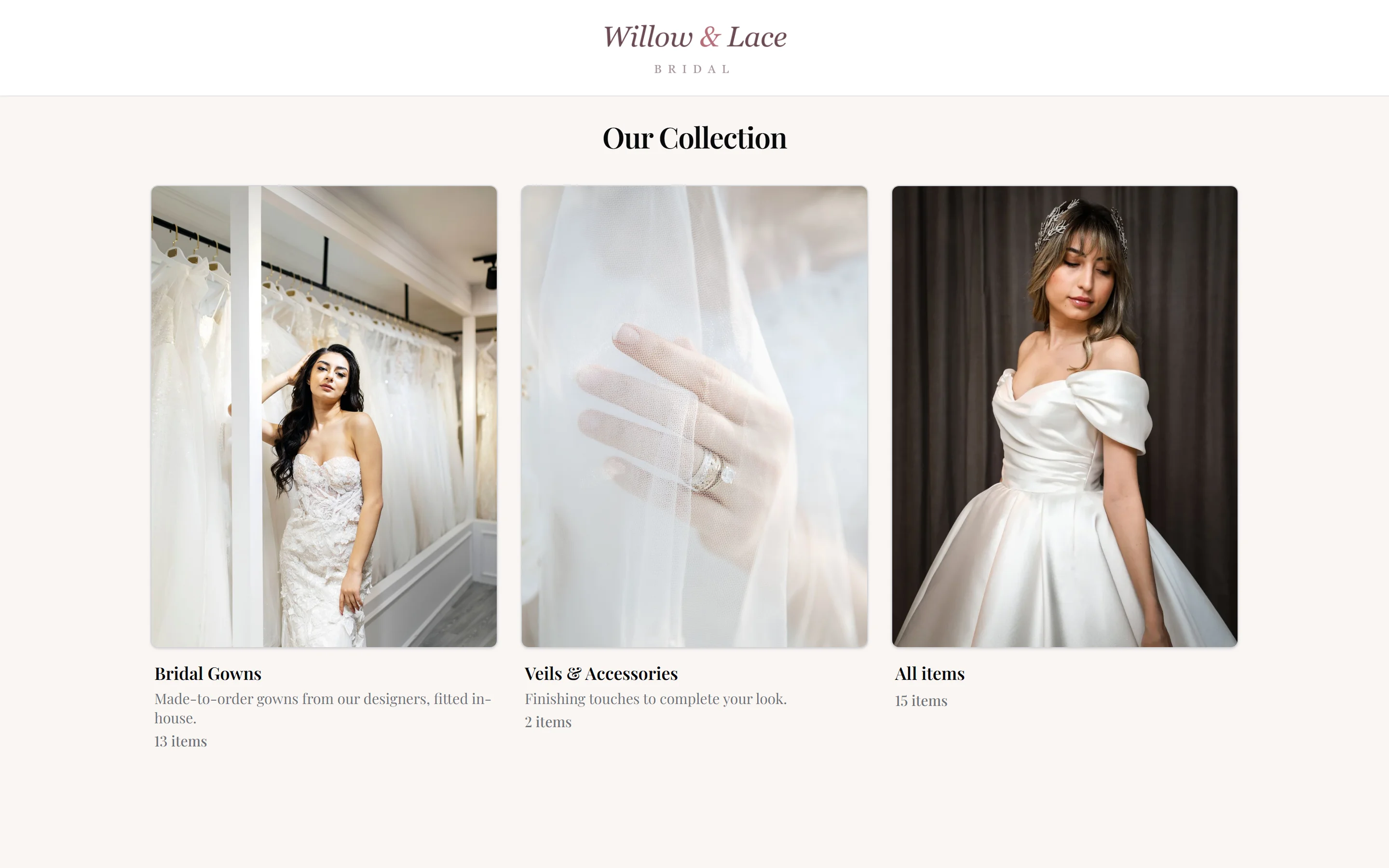
Inventory showcase
Publish a collection from your inventory, choose the details you share, and let brides save favorites before their visit.
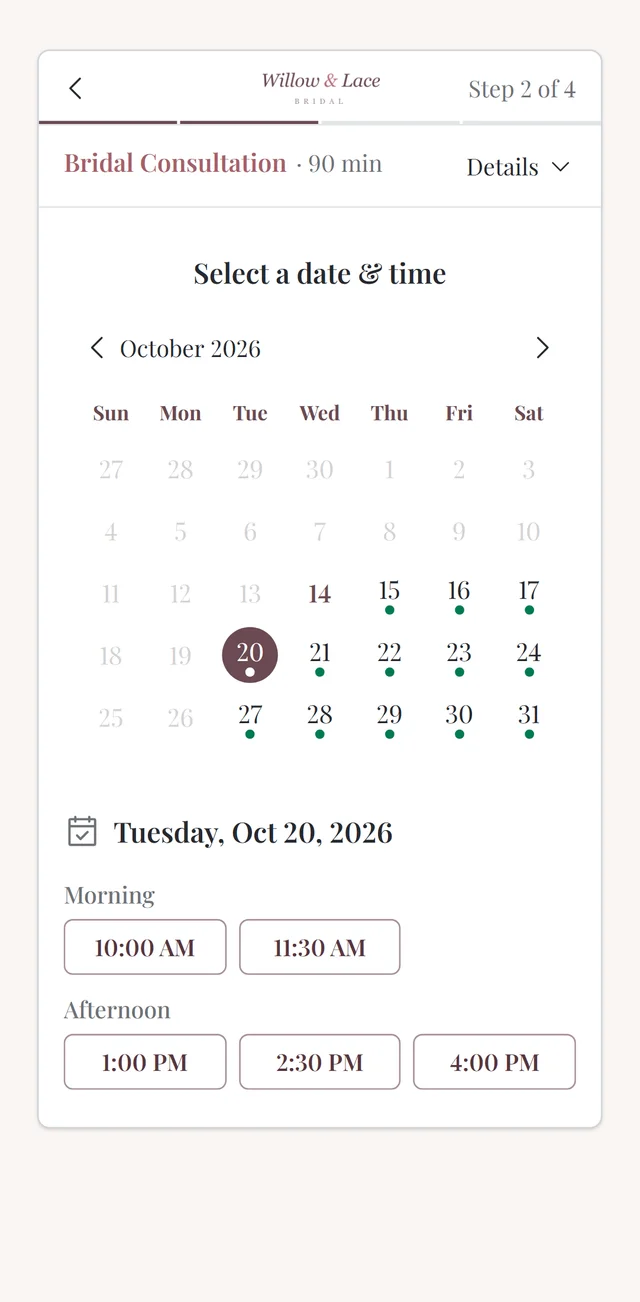
See the detailsAppointment scheduling
Offer online booking around your rooms, staff, and appointment rules. Collect the details you need before the visit.
See the details02 · From sale to pickup
From saying yes to collecting the dress
Record her gown order, collect the deposit, and track deliveries, fittings, and the remaining balance.
Set it up your way
Take a deposit with a payment plan, or payment in full, through integrated Stripe payments or your own card terminal. Price alterations as one fee, from a service menu, or line by line. Choose which parts of the portal brides can use.
Inventory & special orders
Track samples, sizes, and colors. Link customer orders to vendor purchase orders and receive gowns against the right record.
See the detailsPayments & payment plans
Keep deposits, scheduled installments, and balances together. Use integrated Stripe payments or record payments from your own processor.
See the detailsAlterations & fittings
Put alteration charges on the order, keep measurements and seamstress details on record, and schedule each fitting.
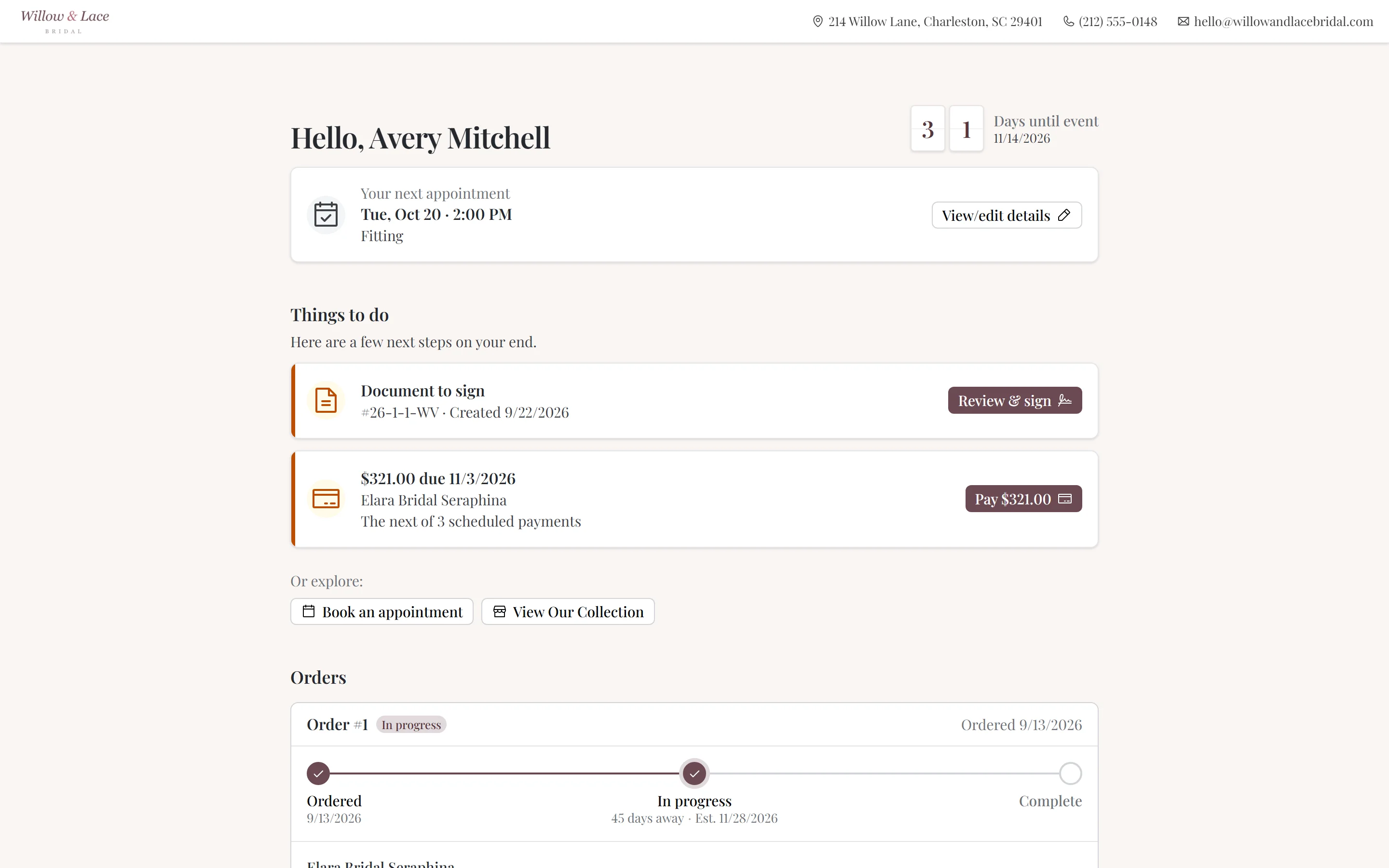
See the detailsClient portal
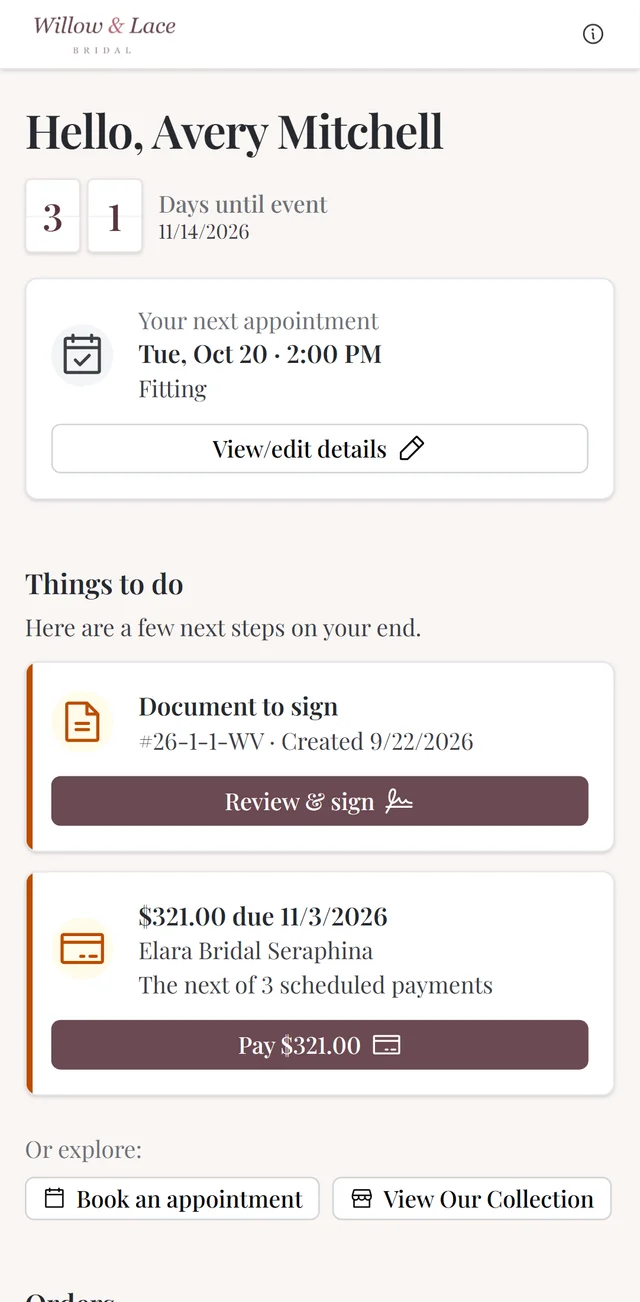
Give brides a branded place to check order progress, pay balances, and sign documents, with the features you choose to enable.
See the details03 · Running the shop
Messages, reports, and buying
Read previous customer messages before replying. Check sales and stock before your next buying trip.
Set it up your way
Start with email and add texting when you want it. Automate the reminders you like and send the rest yourself. Financial reports come with every plan; Ultimate adds buying and markdown planning.
Customer communications
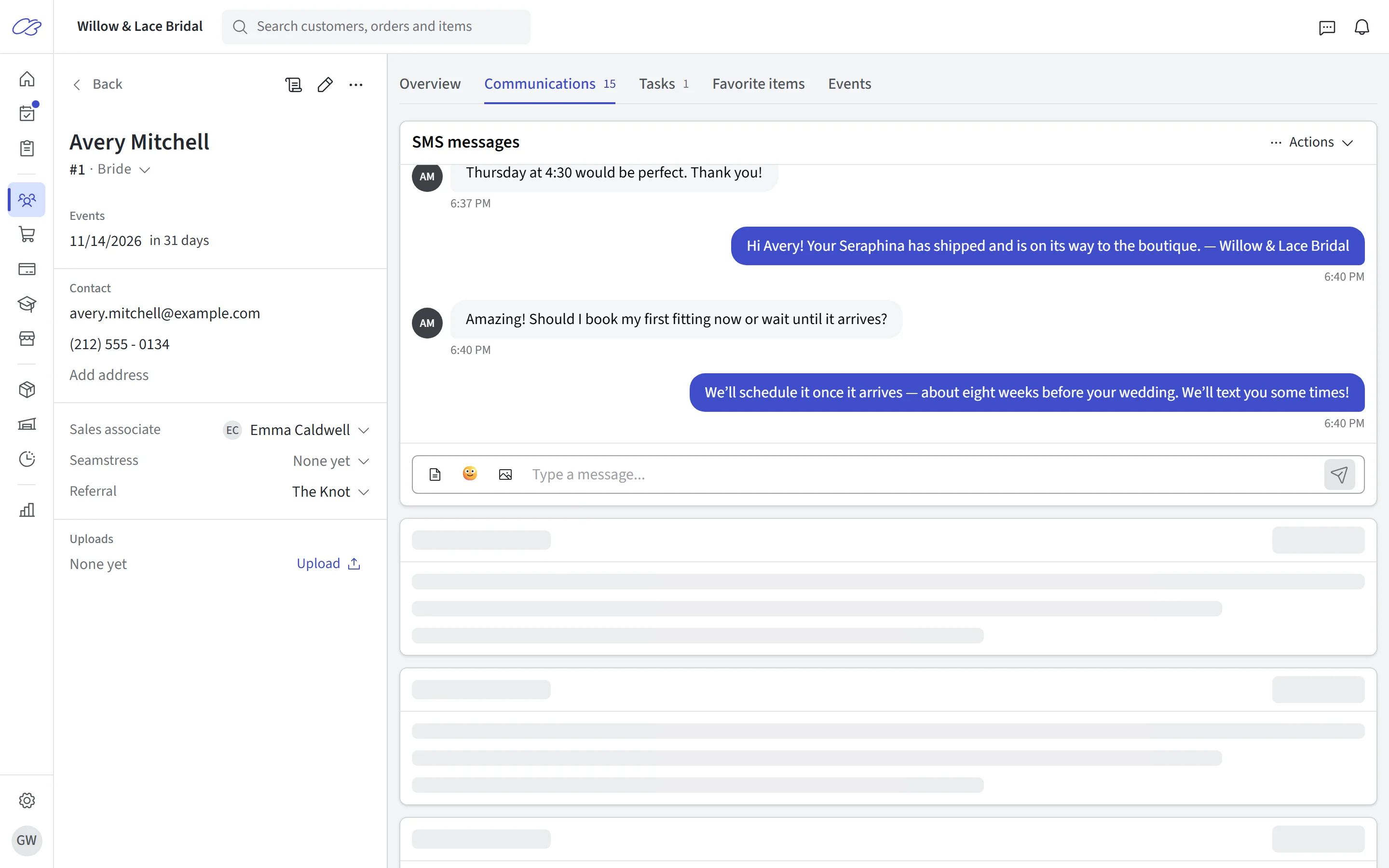
Share the conversation across your team. Use email and text templates, reminders, and follow-ups from the customer record.
See the detailsReports & buying
Review aging samples, explore markdowns, prepare a buying budget, and understand sales and appointment performance.
See the detailsLooking for multiple locations, rentals, or QuickBooks?
The plan comparison also covers multiple locations, rentals, prom registry, staff scheduling, sales by stylist for commissions, e-signatures, QuickBooks, and more. Check included features and limits side by side.
Compare plans and features →Try it with your own appointments and orders.
Start a 30-day free trial, or book a demo and we’ll show you around.